
Yellow Pages Dentist Website Alternative: Own Your Practice Site
Key Takeaways
- •$14,000+ over 3 years — and you own nothing when you cancel
- •Your Google Business Profile stays — it's separate from YP and moves with you
- •6-week transition — build new site first, then cancel (never go dark)
- •New sites often outperform YP within 6 months with proper SEO
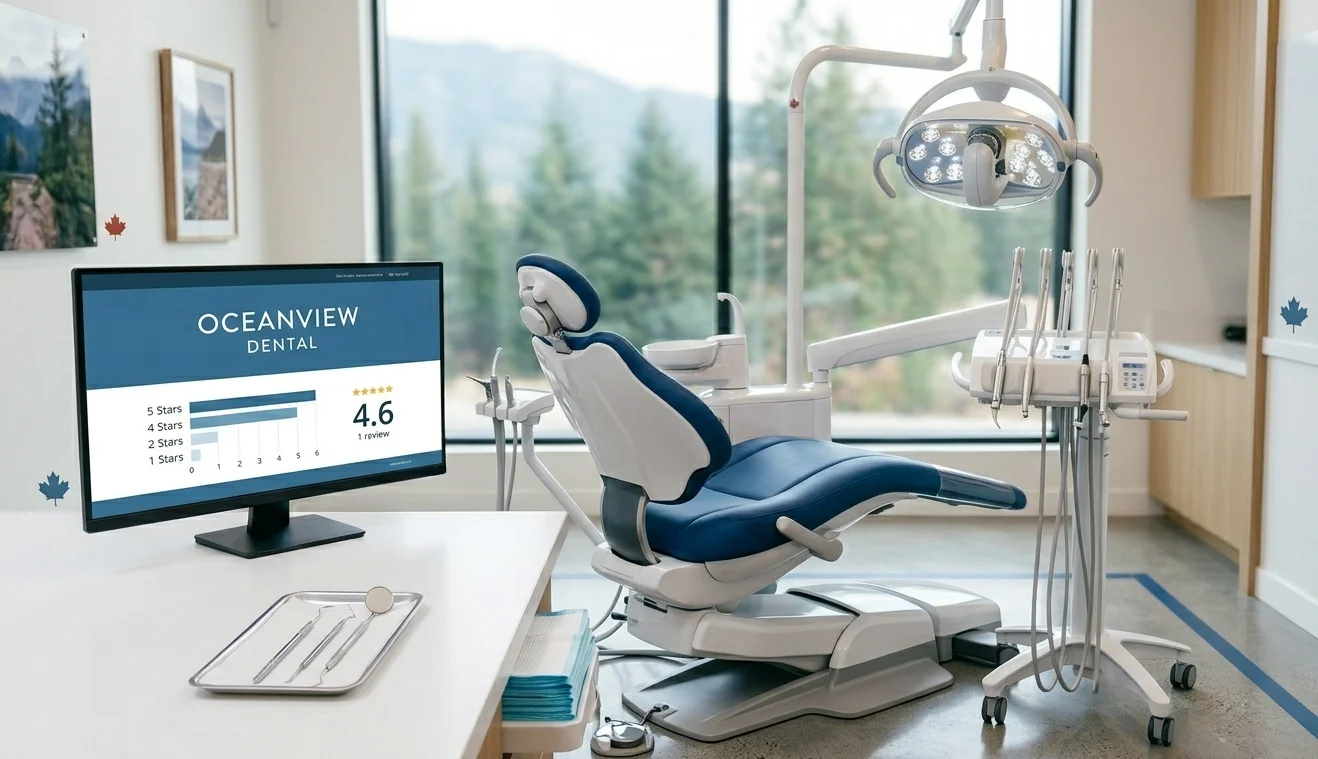
You're paying $300-$500 per month for a Yellow Pages website. In 3 years, you'll have spent over $14,000. And when you cancel? You'll have nothing.
No website. No domain. No rankings. No SEO equity. Just a bill and a blank page.
This isn't a secret. Yellow Pages, Hibu, and Thryv design their services this way. They want you dependent. They want switching to feel impossible.
It's not impossible. Hundreds of dental practices leave these platforms every year and come out ahead. This guide shows you exactly how to switch, what alternatives exist, and how to protect yourself during the transition.
Ready to break free?
See our dental website packages →The Yellow Pages Problem
Yellow Pages (YP), Hibu, Thryv, and similar vendors sell "dental marketing packages" that include a website. On the surface, it seems convenient: one vendor, one bill, everything handled.
Look closer and the problems emerge:
The Dependency Trap
- You don't own the domain: Your site lives on something.ypwebsites.ca or a domain they registered and control
- You don't own the website: It's their template with your content plugged in
- You don't own the SEO: Any backlinks and authority flow to their domain, not yours
- You can't export: When you leave, you start from zero
- You can't customize: Limited templates mean you look like every other YP client
The Business Model
YP's business model depends on retention through dependency. Make it painful to leave, and clients stay. It works: many dentists feel "trapped" even when they know they're overpaying.
The irony? The switching cost is mostly psychological. Yes, you'll lose the YP site. But that site was never really yours anyway. Building something you actually own isn't starting over: it's starting properly.
What They're Actually Selling
- A templated website with limited customization
- Hosting (worth $20-$50/month at market rates)
- A single backlink from their directory (their "SEO")
- Advertising packages often bundled to obscure true costs
- Lock-in contracts with automatic renewal
For $300-$500/month, you could own a significantly better website and actually build SEO equity that appreciates over time.
What You Actually Lose When You Cancel
Understanding what you lose (and don't lose) helps you plan the switch:
You WILL Lose
- ×The website — goes offline immediately
- ×The subdomain — yourpractice.ypwebsites.ca disappears
- ×YP-hosted content — text/images on their servers
- ×YP directory backlink — their "SEO" value
You WON'T Lose
- ✓Google Business Profile — stays with you
- ✓Google reviews — tied to GBP, not website
- ✓Your practice name & brand — you own these
- ✓Your content & photos — if you created them
- ✓Patient relationships — they follow you, not your host
Important:
Your Google Business Profile is the most valuable digital asset for local search. It's completely independent of Yellow Pages. Map Pack rankings, review counts, and GBP visibility stay exactly the same after you switch.
The Domain Question
Domain ownership varies. Some scenarios:
- Subdomain (something.ypwebsites.ca): You never owned anything. You'll need a new domain.
- They registered a domain for you: Check your contract. You may own it, or they may. Request transfer if possible.
- You brought your own domain: It's yours. Just update DNS when switching.
If you can't recover your domain, register a new one. It's inconvenient but not catastrophic. A fresh domain with proper SEO often outperforms a YP site within 6 months.
Better Alternatives

Option 1: Custom Dental Website
Best for: Practices that want professional results and full ownership.
- Cost: $2,500-$10,000 upfront, $50-$200/month ongoing
- Ownership: You own the domain, code, content, and all SEO equity
- Flexibility: Full customization to match your brand and services
- SEO: Built for ranking with proper technical foundation
Option 2: WordPress + Dental Theme
Best for: Budget-conscious practices with some tech comfort.
- Cost: $500-$2,000 setup, $50-$100/month ongoing
- Ownership: Full ownership of everything
- Flexibility: Many dental-specific themes available
- Tradeoff: May need developer help for customization
Option 3: DIY Website Builders
Best for: Solo practices in low-competition areas with tight budgets.
- Cost: $15-$50/month
- Ownership: Partial: you own content but not platform
- Flexibility: Template-based with some customization
- Tradeoff: Limited SEO capabilities, generic appearance
What We Recommend
For most dental practices, a professionally built custom website is the right investment. The upfront cost is similar to what you'd pay YP in 6-12 months, but you own it forever.
Our dental website packages include full ownership, SEO setup, and ongoing support options, with a clear quote after one call.
How to Switch (Without Losing Everything)
The key to a smooth transition: build first, switch second. Never cancel YP before your new site is live.
Audit What You Have (Week 1)
- • Screenshot all pages of your current YP site
- • Copy all text content to a document
- • Download any photos or assets you own
- • Check contract: when does it renew? Who owns domain?
Register Your Domain (Week 1)
- • Register a new professional domain (drsmith.ca)
- • Use a reputable registrar (GoDaddy, Namecheap)
- • Keep registration in YOUR name and email
Build Your New Site (Weeks 2-5)
- • Work with developer to create new website
- • Ensure all services, contact info complete
- • Add Google Analytics & Search Console
- • Test everything on mobile
Update Your Listings (Week 5-6)
- • Update Google Business Profile with new URL
- • Update directory listings (Yelp, Healthgrades)
- • Update social media profiles
Cancel Yellow Pages (After New Site Is Live)
- • Confirm new site is working and indexed
- • Send cancellation notice per contract
- • Get written confirmation
Pro tip: Time this around your contract renewal. Give yourself 2 months before renewal to build the new site. Cancel before auto-renewal kicks in.
Side-by-Side Comparison
| Feature | Yellow Pages | Custom Ownership |
|---|---|---|
| Domain Ownership | They own or control | You own 100% |
| Website Ownership | Renting | You own 100% |
| SEO Equity | Flows to their domain | Builds on yours |
| Cancel = Lose Site? | Yes | No |
| Monthly Cost | $300-$500 | $50-$200 |
| 3-Year Total Cost | $10,800-$18,000 | $4,300-$12,200 |
| After 3 Years You Own | Nothing | Everything |
| Customization | Limited templates | Unlimited |
| Switch Providers | Start over | Take everything |
Transition Timeline
Typical 6-Week Transition
This timeline assumes you've already found a developer. Add 1-2 weeks if you're still evaluating options.
What Happens to Your Traffic
- Week 1-4: No change: YP site still live
- Week 5-8: New site indexed, some organic traffic starts
- Month 2-3: Organic traffic grows as Google indexes new content
- Month 4-6: New site often outperforms old YP site
Throughout this process, your Google Business Profile continues driving the majority of local leads. That's unaffected by the website transition.
Frequently Asked Questions
Can I switch from Yellow Pages without losing my website?
You will lose the Yellow Pages website itself, but you can build a new one first. The transition takes 2-4 weeks. Your new site can be live and ranking before you cancel YP. The key is planning the switch rather than just canceling.
What happens to my domain when I leave Yellow Pages?
If your website is on a ypwebsites.ca subdomain, you never owned the domain. If they registered a .com or .ca for you, check your contract: some dentists own the domain, others don't. Request a domain transfer if you do own it.
Will I lose my Google rankings when I switch from Yellow Pages?
Your YP-hosted site's rankings will disappear because that site will go offline. However, your Google Business Profile rankings are separate and won't be affected. A new website can build fresh rankings, often faster than the YP site did.
How much will it cost to switch from Yellow Pages?
A professional dental website starts at $2,500-$5,000. Monthly hosting is $50-$100. You'll likely spend $3,000-$6,000 total to transition. Compare this to $3,600-$6,000/year you're paying YP for something you don't own.
How long until my new website ranks on Google?
Initial improvements appear in 2-3 months. Significant rankings take 4-6 months. Your Google Business Profile will continue driving calls throughout the transition. New sites with proper SEO often outperform YP sites within 6 months.
Should I wait for my Yellow Pages contract to end?
Start planning now regardless of contract timing. Build your new site 1-2 months before contract end. This ensures zero downtime and gives your new site time to index. Don't renew while you're building the replacement.
What if Yellow Pages owns my practice name domain?
If they registered drsmithdental.ca and you don't own it, you have two choices: negotiate the transfer (sometimes possible) or register a new domain. A slight domain change (drsmithdentistry.ca) may be necessary but won't hurt long-term.
Will I lose my reviews when I leave Yellow Pages?
Google reviews are tied to your Google Business Profile, not your website. They stay with you. Yellow Pages reviews stay on YP. Focus on building Google reviews: they're more valuable and portable.
Ready to Own Your Dental Website?
Stop renting from Yellow Pages. Build a website you actually own: one that builds SEO equity, looks professional, and costs less over time.
We've helped dozens of dental practices make this transition smoothly. Let's talk about your options.
Get Your Escape Plan →Related reading:
- Escape Yellow Pages, Hibu & Thryv →
- How Much Does a Dental Website Cost? →
- Dental Website Design Services →
- Complete Dental SEO Guide →
Last updated: March 2026

Written by
Sep Gaspari
Founder & Digital Marketing Strategist, Zio Advertising | Kelowna, BC
15+ years in digital marketing, Google Ads, and SEO. I've helped businesses across 12+ industries generate qualified leads and grow revenue through data-driven strategies. I don't just run campaigns—I obsess over results, test relentlessly, and treat your budget like it's my own.
Connect on LinkedIn→